
You can easily find ShipSavvy Terms and Conditions in your Portal. Just follow these steps:
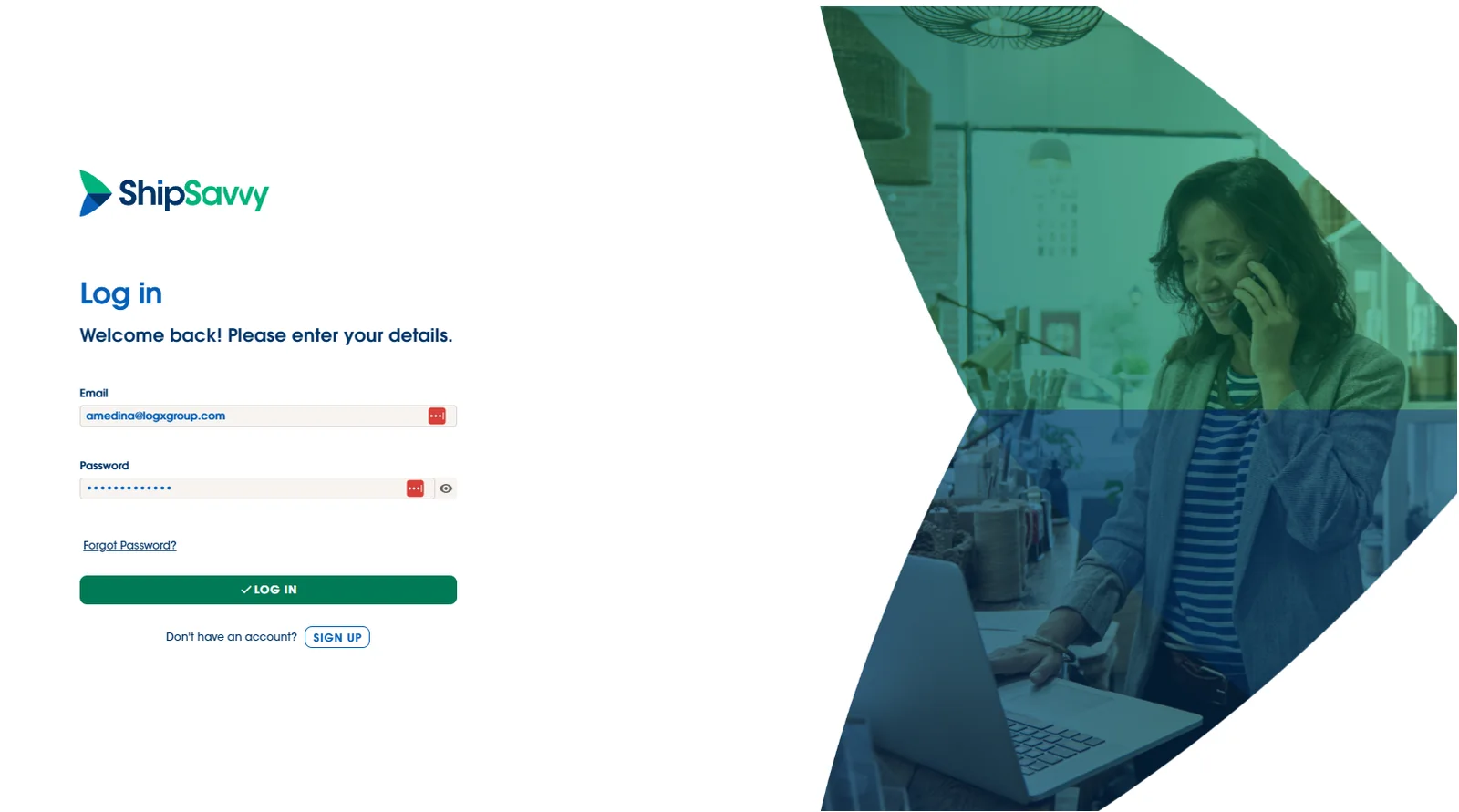
1. Log In to your Portal
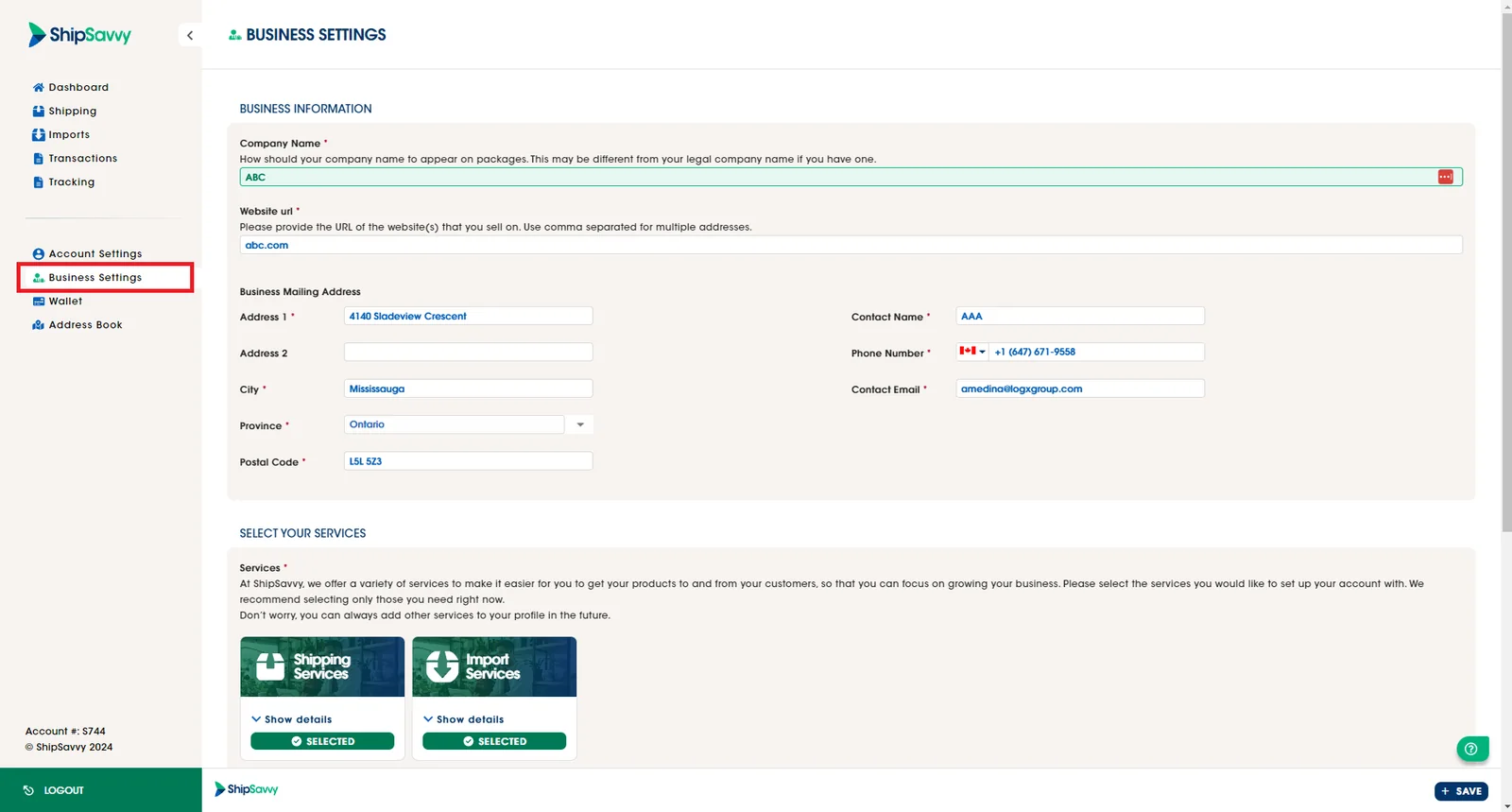
2. Go to your Business Settings located on the left side bar
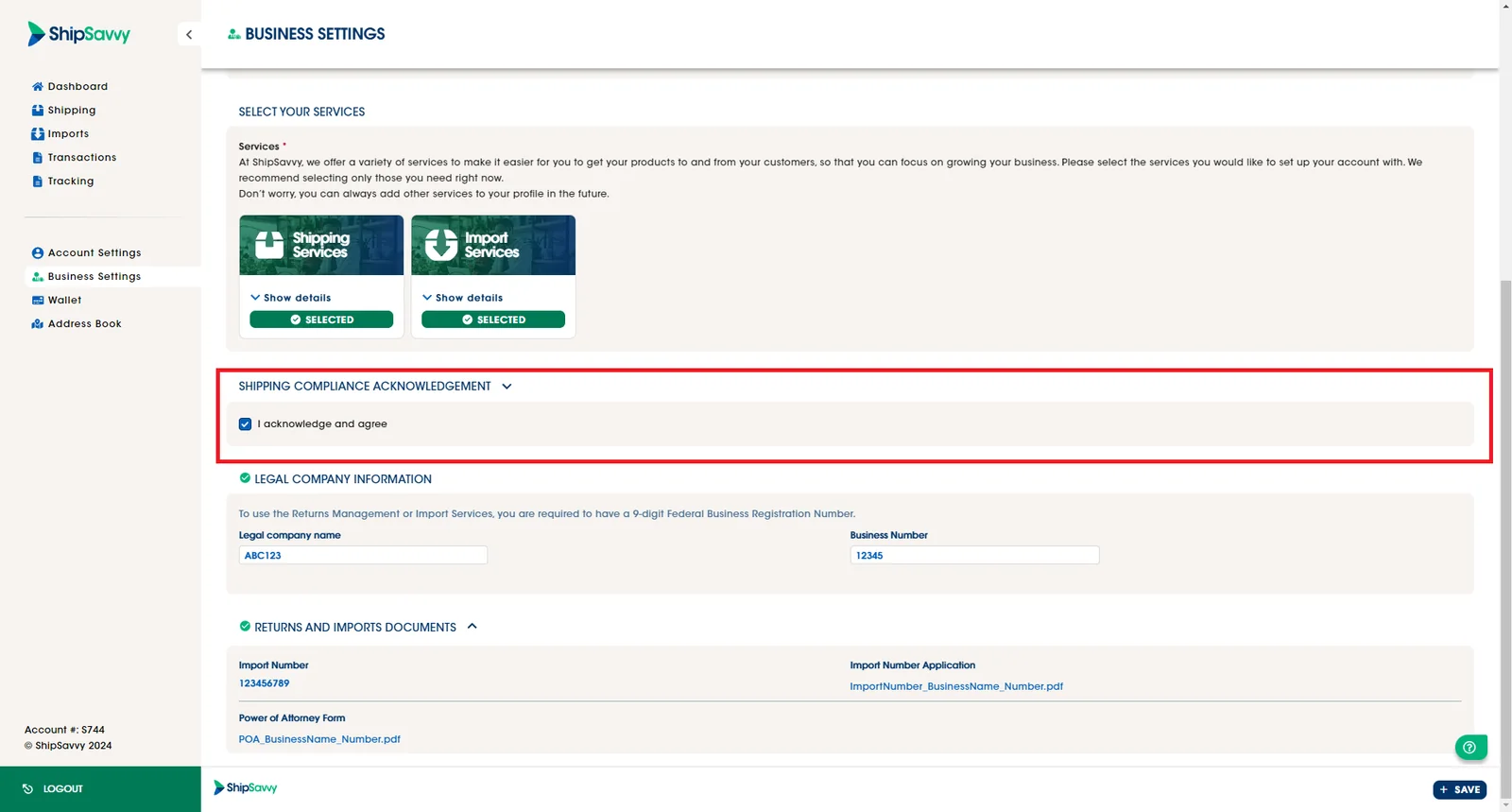
3. Scroll down to the Shipping Compliance Acknowledgement
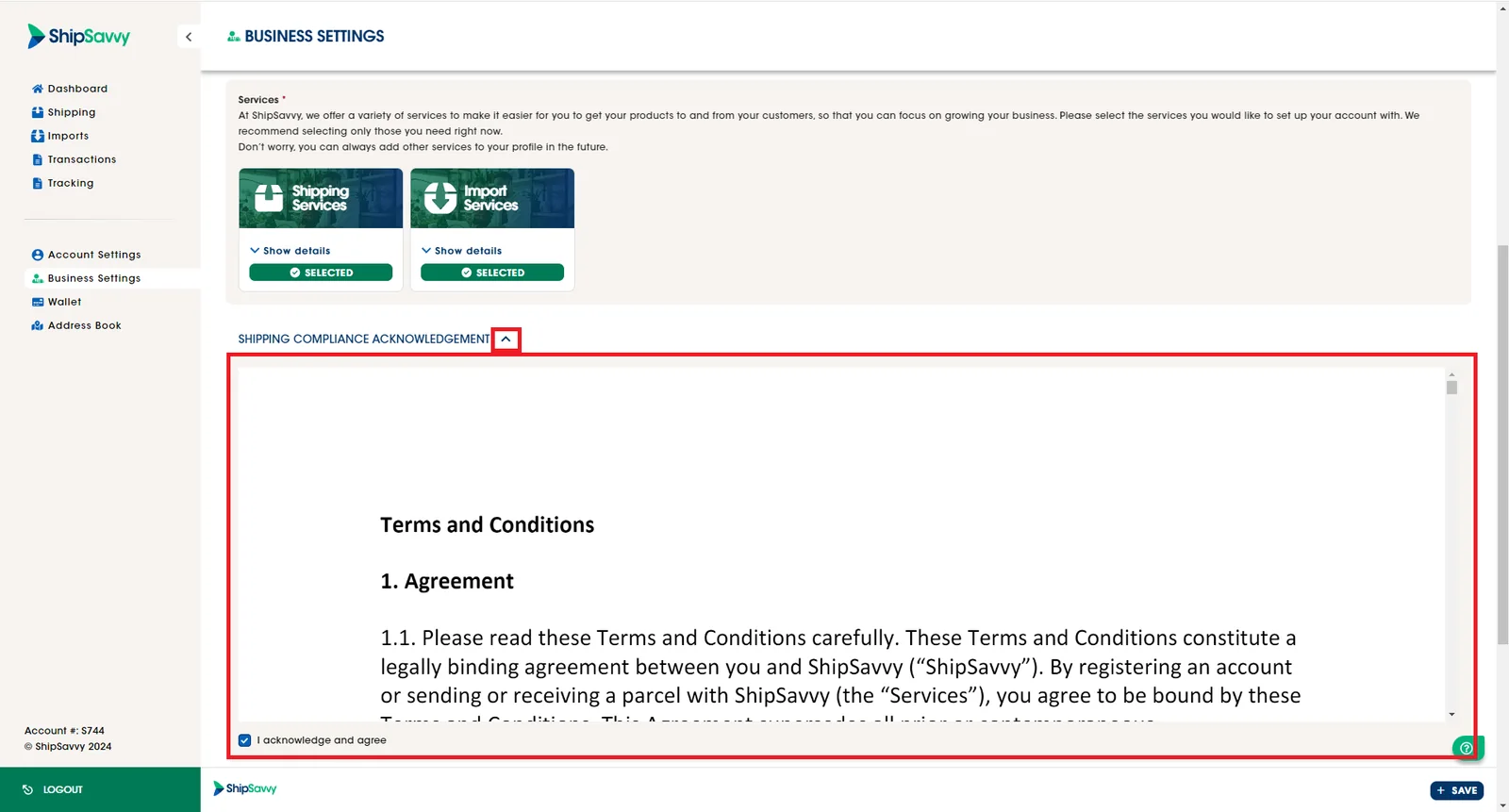
4. Click on the icon to expand the field and there you could be able to ShipSavvy Terms and Conditions.
Last updated May 14, 2024