
Here's a step-by-step guide to help you change your account email:
1. Begin by logging in to your account.
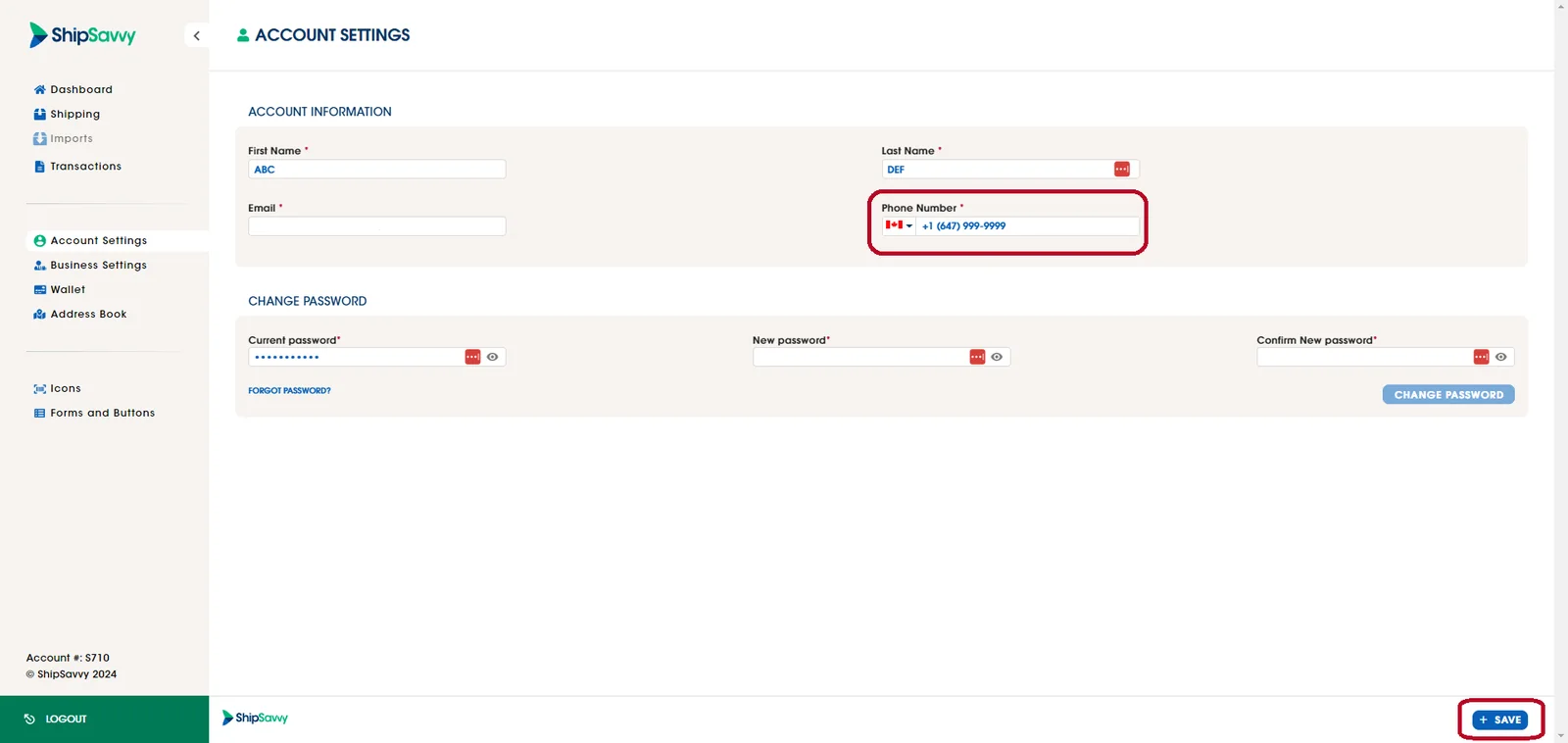
2. Once logged in, click on the account settings tab located on the left.
3. Direct to the Account Information section and replace the current Phone Number for the new phone number that you would like to use.
4. Finally, click on the Save button.
Last updated April 29, 2024