
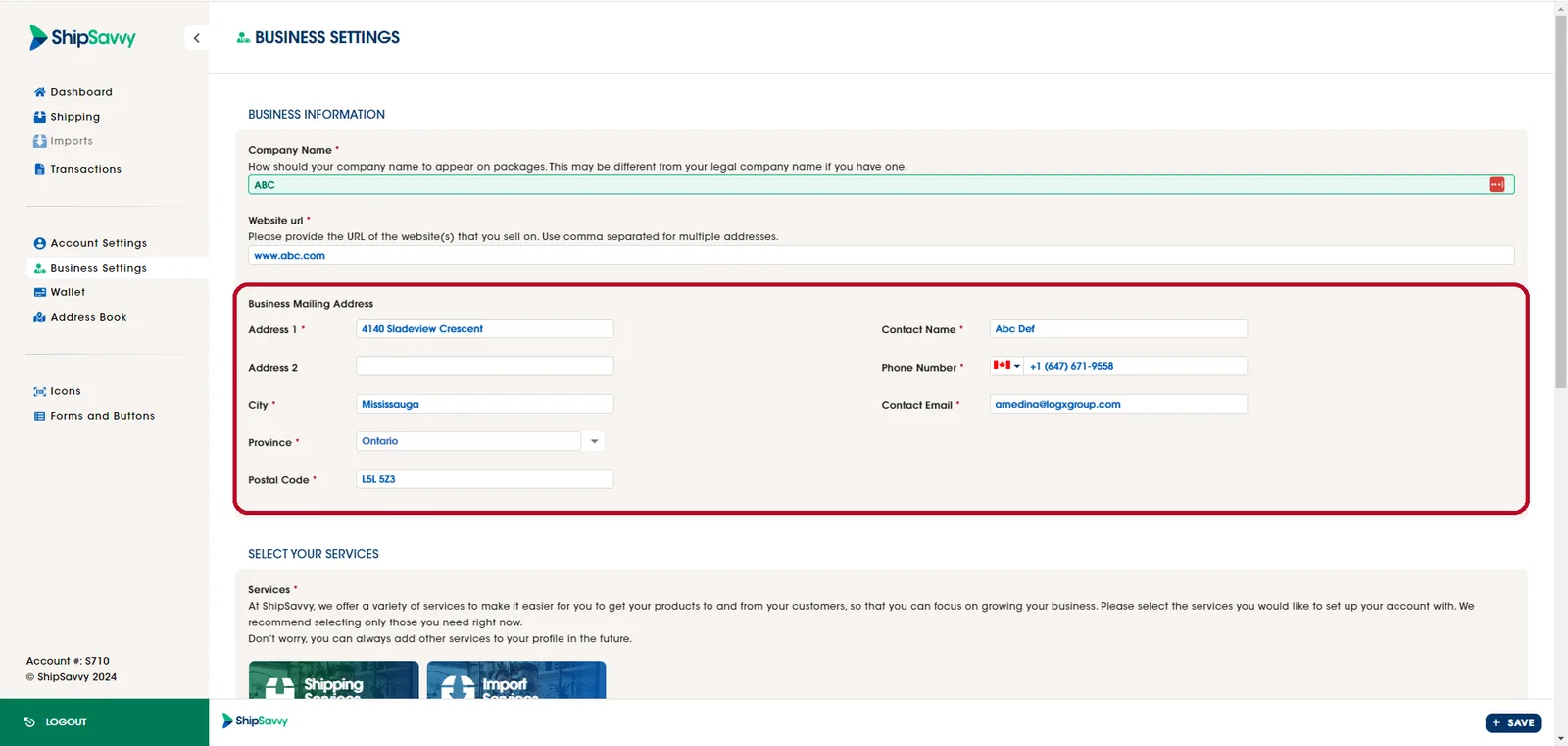
Here is how you can change your business mailing address:
1. Simply Log In to your Shipsavvy account.
2. Once logged in, navigate to the "Business Settings" tab and go to the Business Mailing address field to change it.
3. Update with the new mailing address and click on the Save button.
Last updated April 29, 2024