
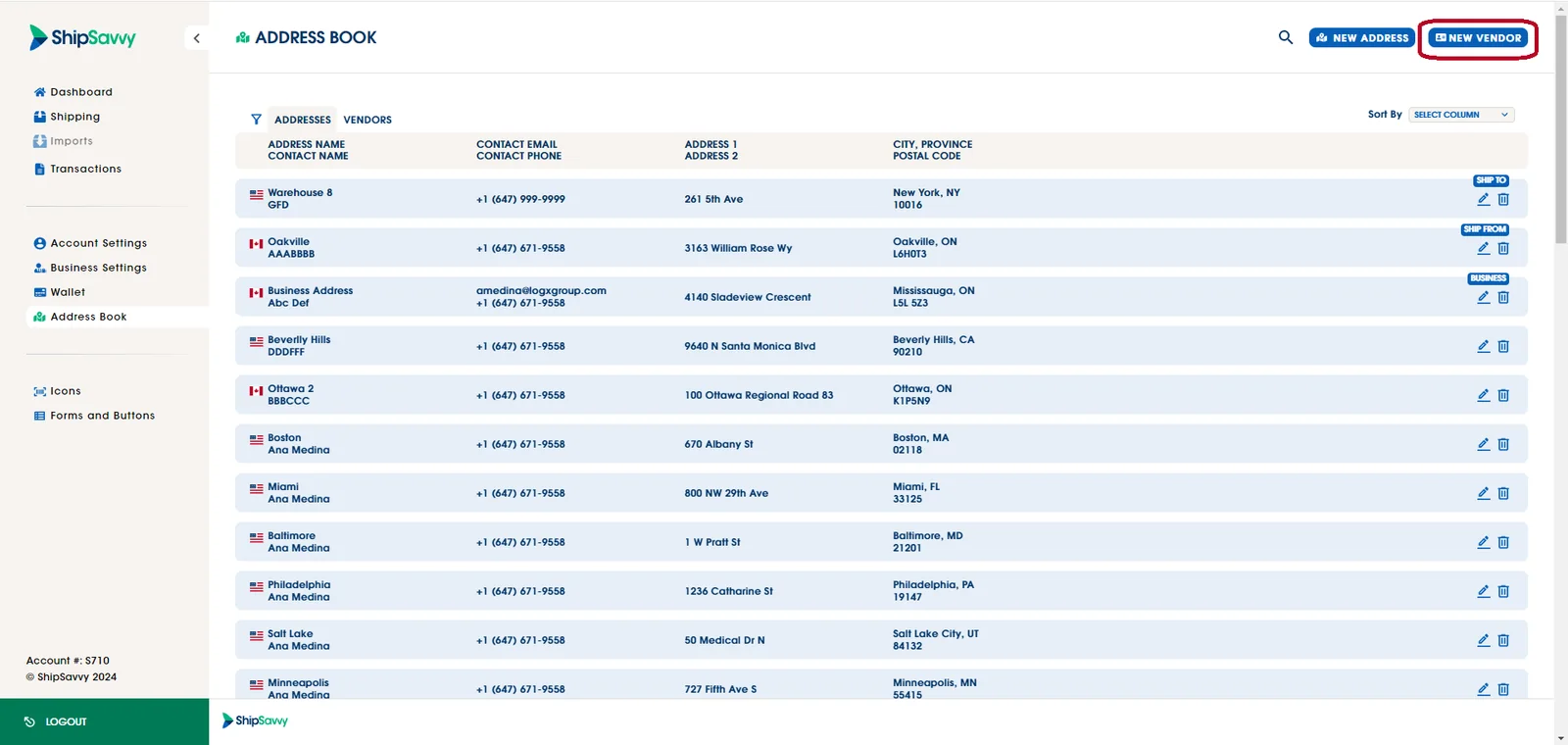
To add a new vendor, simply log in to your Shipsavvy account. Once logged in, navigate to the "Address book" tab, where will have to click on the "New Vendor" button.
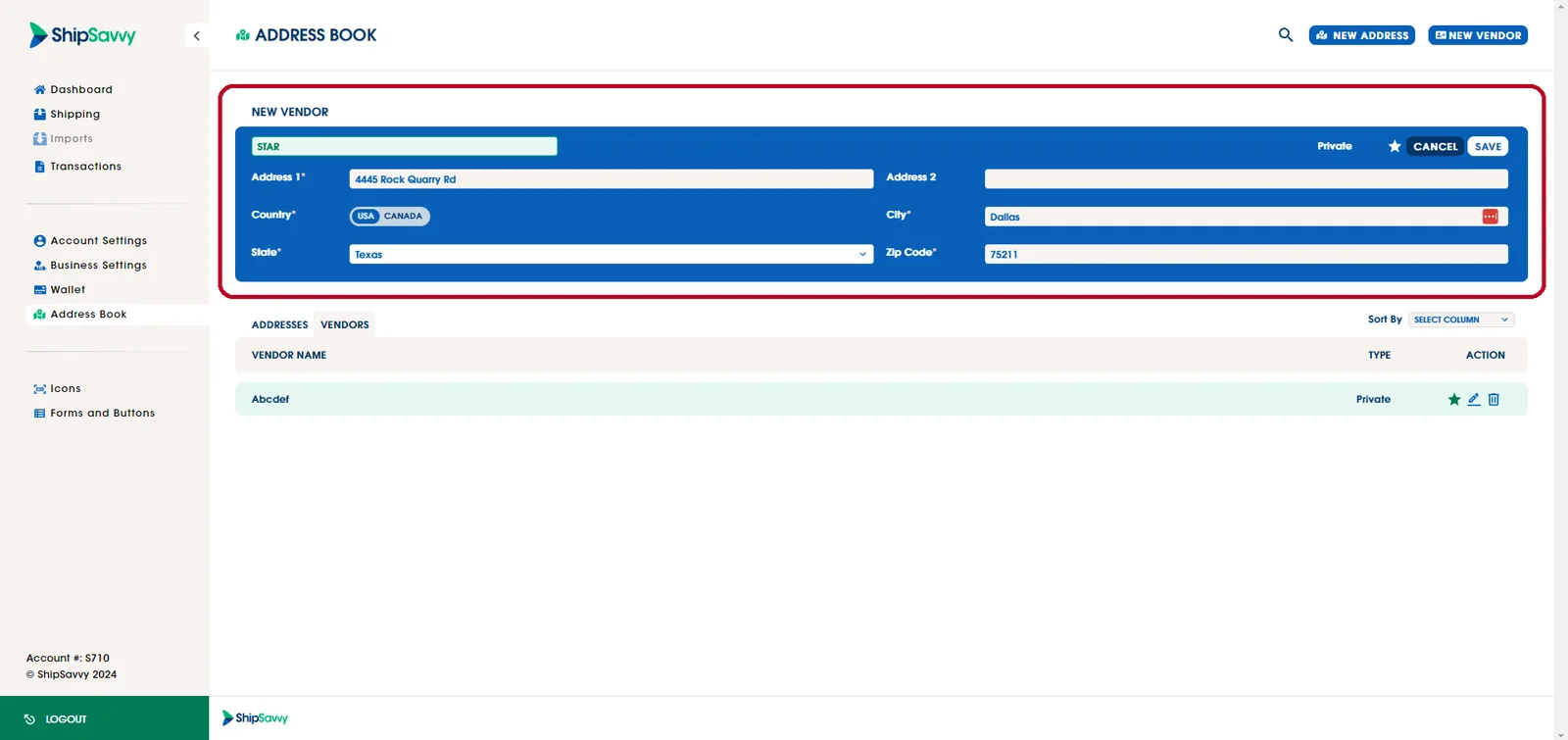
Complete all the required fields with the relevant information for the new vendor. Once you've filled in the details, click "Save" to add the new vendor to your account.
Note: this vendor is a private vendor that will only be shown to you.
Last updated April 29, 2024